WORDPRESS
Google Search Console: Crawled but Not Indexed on WordPress
Crawled but not indexed in Google Search Console? Diagnose WordPress URLs, canonicals, rendering and content quality before requesting indexing.
“Crawled – currently not indexed” means Google fetched the URL but has not added it to its search index. It does not prove WordPress is broken, and there is no plugin or resubmission button that can force Google to index it. Start by asking whether this is a page you actually want in search results. If it is, use Search Console’s URL Inspection data to distinguish outdated reporting, an unintended canonical, missing rendered content, and a page Google may not find valuable enough to index.
For a single new WordPress post, first inspect the specific URL and check again after a reasonable crawl-and-processing interval. For a large group of valuable pages, sample representative URLs and compare them with similar pages that are indexed. Avoid changing robots.txt, SEO plugins, canonical tags, and sitemaps all at once.
Triage a crawled but unindexed WordPress URL
Applies when: Search Console reports Crawled – currently not indexed for one or more WordPress URLs.
Quick answer
A crawled URL has not been selected for Google's index. Decide whether it should be indexed, inspect the exact URL and canonical, then check rendering and standalone content value before requesting another crawl.
What to do
-
Choose a public page with a real purpose, not an RSS feed, attachment or filter variant. Inspect its last crawl date in Search Console.
-
Compare Page indexing report, URL Inspection, Google's selected canonical and live HTML/rendered content. A successful live test does not promise indexing.
-
Correct a documented technical issue or improve a weak page's unique usefulness and internal links. Record what changed, then monitor after recrawl.
Which situation best describes the affected URL?
All paths are listed below. Select a symptom to focus on the most relevant path.
Check whether indexing is desirable
Some URLs are intentionally not good search landing pages. Confirm their purpose and avoid repeated indexing requests for URLs you do not want in Search.
Repair the evidenced signal
Check Google's selected canonical, initial HTML and rendered content, then address only the confirmed WordPress template, routing or SEO configuration issue.
Review uniqueness and relevance
Compare with indexed peer pages, strengthen the real answer and relevant internal navigation, then monitor. No plugin or sitemap submission can guarantee Google's selection.
Did this help?
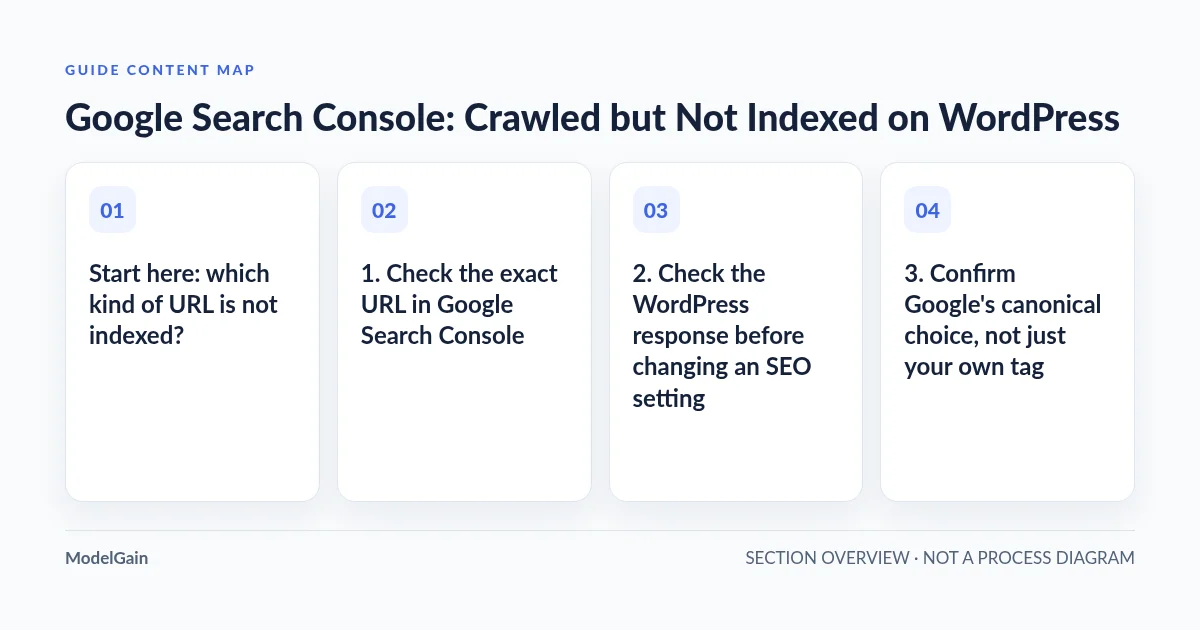
Start here: which kind of URL is not indexed?
| What you find | What it means | First useful action |
|---|---|---|
| A feed, attachment URL, internal search page, parameter variation, or other URL not intended for Google | Non-indexing may be expected | Confirm intent; do not try to index every discovered URL |
| A newly published, unique WordPress article | Google may still be processing or evaluating it | Check URL Inspection, server-rendered content and useful internal links |
| A page that duplicates another URL or an archive | Google may prefer a different representative URL | Inspect Google’s selected canonical before changing yours |
| Many commercially important pages excluded together | A shared template, rendering, migration or content-pattern issue may exist | Compare affected and indexed pages, and check recent site-wide changes |
1. Check the exact URL in Google Search Console
- In Indexing → Pages, open the Crawled – currently not indexed reason. Select an example that is a valuable page, not simply the first URL in the list.
- Use URL Inspection for that exact canonical-looking URL. Record the last crawl date, crawl allowance, indexing allowance, user-declared canonical and Google-selected canonical where available. The page-level inspection is more specific than the aggregate report.
- Compare the indexed-page information with Test Live URL. A live test checks current accessibility and some rendering conditions; it is not a guarantee of Google’s indexing decision, and it does not test every canonicalization condition.
- If an older report disagrees with a newer inspection, compare timestamps before editing the site. Search Console reports are not instantaneous.
Google’s Page indexing report documentation explicitly says a crawled URL may or may not be indexed later, and that there is no need to resubmit it merely because of this status. It also distinguishes this from Discovered – currently not indexed, in which the URL has been found but not yet crawled. Those are different troubleshooting questions.
2. Check the WordPress response before changing an SEO setting
Open the public URL without a login. Confirm that it loads successfully and that the page you want to index is actually present. Google states the minimum technical requirements for an indexable page include an accessible Googlebot path, a successful HTTP 200 response, and indexable content. These are eligibility requirements, not a promise of inclusion. A normal 200 response with no noindex directive can still receive this status.
In WordPress, check the relevant SEO plugin’s per-post indexing controls, the page’s <meta name="robots"> tag and any X-Robots-Tag response header. Also inspect Settings → Reading if the site has a broader indexing-visibility problem. Do not assume a robots.txt block or noindex directive caused this specific status—those problems generally have their own Search Console labels. Investigate only when evidence identifies such a condition.
For a site where Googlebot’s fetched output differs from what a visitor sees, compare the initial HTML source with the rendered page and the URL Inspection screenshot. A WordPress site can display rich content in the browser while returning an HTML shell with little useful text. Our server-rendered HTML diagnosis explains how to identify that difference. Google’s JavaScript troubleshooting guide describes how to inspect rendered content and resource failures.
3. Confirm Google’s canonical choice, not just your own tag
WordPress categories, tags, pagination, sorting parameters, attachment pages, and near-identical product variations can create multiple URLs for similar content. If you see multiple eligible versions, inspect the Google-selected canonical for representative URLs. A self-referencing rel="canonical" is a signal, not an instruction Google must follow.
Compare the pages’ actual purpose and content, their internal links, redirects and canonical hints. If Google selects a different version that correctly represents the content, there may be nothing to fix. If its selection is inappropriate, repair the specific contradictory signals or substantially overlapping content. Google documents this in its canonicalization troubleshooting guide.
Do not bulk-set every excluded page to self-canonical or force canonical tags from a second SEO plugin. One WordPress metadata owner should control the result. Canonical fixes are useful when canonicalization evidence supports them; they are not a blanket cure for non-indexing.
4. Determine whether the content deserves its own indexed URL
Once crawling, rendering and canonicalization look reasonable, examine the content itself. Does this URL solve a distinct question better than other pages on the same site? Does it provide substantive steps, useful comparisons, original experience, data, or a clear answer? Or is it a lightly rewritten version of an existing article, an empty product category, or a page created only to target a small keyword variation?
Compare affected articles with a few similar indexed pages on the same WordPress installation. Look for content overlap, weak introductions, missing real examples, repetitive templates and pages with no meaningful standalone value. Rewrite, consolidate or remove low-value URLs according to their real user purpose rather than publishing more near-duplicates. Google’s people-first content guidance emphasizes original value and a satisfying answer—not an arbitrary word count.
If an article already provides a complete solution, do not repeatedly change a publication date or pad it with generic paragraphs just to trigger another crawl. If two pages target the same intent, consider combining them into a stronger, differentiated resource with a clear redirect/canonical plan where needed.
5. Improve discovery and internal navigation where it helps users
A page that is only reachable through an XML sitemap can be harder for visitors to find and has little useful editorial context. Add relevant <a href> links from actual topic hubs, related guides, and navigation paths. Use descriptive anchors that explain why someone should follow the link. For links broken after a migration, our internal-link migration guide explains how to locate the source pages; for a wider audit, see prioritizing broken links by evidence.
Confirm that the important canonical URL is in your current XML sitemap, with the correct absolute HTTPS address, but treat the sitemap as discovery support rather than an indexation contract. Google says a sitemap does not guarantee crawling or indexing. Do not generate multiple competing sitemaps or automatically resubmit the same unchanged URLs every day.
If your site also uses AI crawler access rules, keep that concern distinct from Google Search. Our robots.txt and sitemap guide for machine clients can help examine the actual public routes; passing an AI-agent fetch test is not proof that Google has indexed a page.
6. Request indexing only after a meaningful correction
If a valuable page has changed materially or a confirmed technical problem is resolved, you can use the URL Inspection tool’s Request Indexing action for a limited number of important URLs. Use the sitemap for broader URL discovery. Google’s recrawl guidance says repeated requests for the same URL do not make crawling faster and cannot guarantee inclusion.
Record the page’s original status and inspection timestamp, the specific changes made, and the next observation. Allow time for recrawling and for Search Console reports to update. Compare index status and actual query-level visibility, rather than treating a 200 response or an indexing request as success.
IndexNow is not a Google indexing shortcut
Do not confuse Google’s URL Inspection with IndexNow submission. IndexNow is a separate URL-change notification protocol implemented by participating search engines; it should not be presented as a way to force Google to index WordPress pages. For a Bing indexing problem after a successful IndexNow submission, see our separate guide, IndexNow Successful but Bing Has Not Indexed the Page. The different engines’ indexing decisions and reporting must be evaluated separately.
Likewise, ModelGain Content Link Health Check can help review certain saved WordPress links when broken-link evidence is found. It does not inspect Google’s indexing decisions, guarantee indexation or see every dynamically rendered page-builder link. Installing a link-checking plugin is not the first step for a generic Crawled – currently not indexed report.
Practical verification checklist
- Classify affected URLs as index-worthy or intentionally excluded; avoid fixing expected non-indexing.
- Inspect a representative URL in Search Console; record the last crawl, page fetch and canonical evidence.
- Compare current live HTML/rendering against Google’s observed version; verify important text is available.
- Compare the affected page against an indexed peer for originality, relevance and content overlap.
- Verify relevant internal links and a consistent canonical sitemap URL; fix only observed discrepancies.
- After a substantive correction, record the change, request indexing selectively, and monitor over time.
FAQ
Does “Crawled – currently not indexed” mean Google penalized my WordPress site?
No. The label says Google crawled the URL and has not indexed it; by itself it does not establish a penalty, manual action, crawl failure, or one specific quality problem.
Can I fix it by enabling indexing in an SEO plugin?
Only when there is actual evidence that your page is inadvertently blocked or marked noindex. Otherwise, changing the toggle will not solve Google’s decision not to index a crawled URL.
Why does the URL Inspection live test pass but the page is still excluded?
A live test checks the current fetch and some technical conditions. Google’s indexing and canonical selection take place in a broader process; the report may also reflect an earlier crawl. A passing live test is not an indexation guarantee.
Should I request indexing for every excluded URL?
No. Exclude low-value and intentionally unindexed URLs from that effort. Request indexing selectively after meaningful changes to important pages, then track actual results.
When is WordPress development work justified?
When evidence points to template-level missing content, canonical conflicts, incorrect rendering, migration defects or other reproducible technical issues that affect valuable pages. Provide a sample URL, sanitized inspection details and the observed HTML difference before seeking scoped WordPress development help.