WORDPRESS
WordPress Works in Browser, but AI Crawlers Cannot Fetch It
Diagnose why AI crawlers cannot fetch a working WordPress site by separating robots policy, firewall blocks and network failures.
A WordPress page working in your browser does not prove that an AI service can retrieve it. Your browser may have a logged-in session, challenge clearance or a different network route. Start by identifying the requesting service and checking one real request against hosting or firewall logs. Do not respond by allowing every bot.
The goal is to distinguish an intended privacy boundary from an unintended access failure. This guide covers public-page fetch diagnosis, not a promise of AI visibility. Making a page reachable does not guarantee that ChatGPT will mention it, that a search system will index it or that an agent will complete its task.
Choose the next AI access investigation
Applies when: A deliberately public WordPress page loads in a browser but an AI service cannot retrieve it.
Quick answer
Confirm the owner's intended access policy, name the service and correlate one real request with trusted edge or hosting logs. Robots permission, firewall rejection, network delivery and search visibility are different questions.
What to do
-
Test an already-public canonical page. Never open private staging, admin, account or checkout content for a crawler test.
-
Record the URL, service, time, timezone and observed response. Match the request with firewall and origin evidence; absence of a match remains unknown.
-
Use the provider's current official source verification and a trusted proxy chain. A user-agent string or your own curl request is not proof of bot identity.
What is the strongest recorded evidence for this public URL?
All paths are listed below. Select a symptom to focus on the most relevant path.
Resolve the owner's policy, not a fictional outage
Confirm whether access for search, user-requested visits or training is intended. OpenAI documents distinct client roles; do not use a GPTBot rule as a universal ChatGPT control. Preserve intentional restrictions and authentication, and review only the relevant public-path policy.
Correlate the denial and verify the source
Inspect the trusted edge's source address, rule action, timestamp and response body. Check the specific provider's published verification guidance. Only an approved unintended denial justifies a narrow reversible correction; never disable the firewall globally or share challenge cookies.
Ask hosting to diagnose the public delivery path
Check the hostname's public DNS, valid certificate chain and redirect destinations. Keep TLS verification enabled and preserve private origins. Record the failing layer and verify the same legitimate request after an approved correction.
Stop treating reachability as a visibility guarantee
Confirm that HTTP 200 contains the intended article, not a challenge or empty shell. Review indexing intent separately and investigate browser-dependent content delivery if needed. A successful fetch guarantees neither Google indexing nor selection in ChatGPT answers.
Did this help?
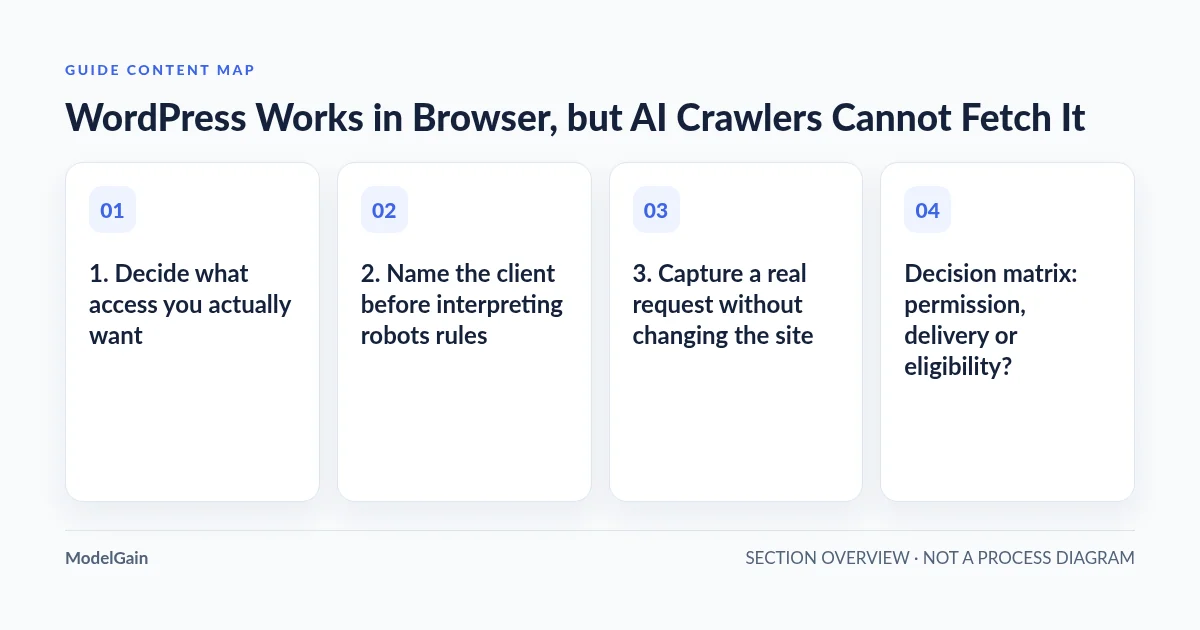
1. Decide what access you actually want
Choose a public, canonical article or service page as the test target. Exclude checkout, account, admin and personalized URLs. Do not make password-protected staging public to satisfy a crawler test. Private documents need authentication and access controls; a robots instruction is not a substitute for either.
Write down the intended use: inclusion in search results, a user-requested page visit or permission for training-related crawling. Those are separate choices. A business can want its public service pages discoverable while declining training-related access. Preserve the owner’s preference instead of treating every restrictive setting as a defect.
Start from the site’s existing WordPress service and content structure: which pages are deliberately public, and which are not? This keeps a narrow accessibility investigation from becoming an unreviewed change to the site’s disclosure policy.
2. Name the client before interpreting robots rules
The official OpenAI crawler documentation distinguishes OAI-SearchBot, GPTBot and ChatGPT-User. OAI-SearchBot supports search discovery. GPTBot crawls content that may be used in training. ChatGPT-User handles certain user-initiated actions and is not the automatic crawler that determines search eligibility.
OpenAI documents these controls independently. It also states that robots.txt rules may not apply to user-initiated ChatGPT-User actions. Do not promise that a GPTBot rule governs every ChatGPT visit, or that allowing ChatGPT-User opts a page into search. Check the current official descriptions before changing a policy.
A WordPress AI agent or another automated client is not automatically Googlebot. The term “AI crawler” is too broad for a firewall rule. Record the service, requested URL, time and timezone, and whatever failure message it actually returned. If the client identity is unknown, keep that uncertainty in the report.
3. Capture a real request without changing the site
For an intended public page, make one ordinary user-requested visit through the relevant service when that capability is available. Save the time, URL and reported outcome. Ask the administrator to look for the matching request in the CDN, web application firewall and origin logs. A request absent from origin logs may have been rejected at the edge, or may never have reached your infrastructure.
Capture the status, final destination, firewall action or rule identifier, and a request identifier where available. Inspect only the relevant window. Keep visitor identifiers and unrelated traffic private. If the service offers no request detail and no matching log exists, report “not correlated,” not “the firewall blocked it.”
A read-only request from your own machine can compare public response behavior, but it cannot certify a bot’s access. Changing a curl user-agent header only changes a string. It does not move your request onto OpenAI’s network or prove what an actual service receives. Avoid repeated probes, challenge-solving tricks or requests designed to evade controls.
Decision matrix: permission, delivery or eligibility?
| Evidence | Interpretation boundary | Next action |
|---|---|---|
| The relevant robots policy disallows the public path | A crawler-policy decision, not proof of a network failure | Confirm the owner’s intended policy for that specific client |
| A correlated request receives 403, 429 or challenge HTML | An access control, rate limit or browser challenge may prevent retrieval | Inspect the matching firewall decision and verify the request source |
| DNS, TLS or redirect failure occurs before useful content | The client may not reach a valid final public response | Have hosting investigate the failing layer without disabling security |
| HTTP 200 contains the intended article, but visibility is absent | Retrieval succeeded for that observation; indexing and selection remain separate | Review indexing intent and content availability, not blanket firewall exceptions |
4. Separate robots permission from technical rejection
Read the robots.txt served by the exact public hostname, then identify the applicable client’s group and the path under investigation. Do not overwrite the file with a generic allow-all example. A sitemap can help discovery, but it does not override authentication, a firewall denial or crawler policy.
Google’s robots.txt guidance explains that crawler instructions are not a security boundary and that blocking crawling is different from preventing indexing. Those statements describe Google’s documented behavior; do not assume every AI client implements Google’s controls identically.
If WordPress’s search visibility setting is involved, review the Discourage search engines setting in context. A noindex directive concerns indexing, not an HTTP access-denied response. Changing it will not repair a 403 or a broken certificate, and it should not be removed from intentionally private content.
5. Verify the source before considering a firewall exception
For a correlated OpenAI request, compare the source address recorded by the trusted edge with the current published IP ranges linked from OpenAI’s crawler documentation. Use the ranges for the specific client. An arbitrary forwarded header supplied by a requester is not trustworthy source evidence; the hosting provider must understand its proxy chain.
The Googlebot documentation likewise warns that user-agent strings can be spoofed and describes official verification methods. Google verification establishes Google identity, not OpenAI identity. Use each operator’s own documented method instead of a shared “looks like a bot” rule.
Only after confirming an unintended denial should the administrator propose a narrowly scoped, reversible rule for the approved public content and verified service. Preserve the original rule, record the reason and define a rollback. Do not disable the entire firewall, remove rate controls globally or grant access to account and admin routes.
A browser JavaScript challenge can work for a human session yet leave a non-browser fetch with challenge HTML. An HTTP 200 challenge is still not the article. Ask the provider to explain that particular decision; do not distribute challenge cookies or teach a client to impersonate an authenticated browser.
6. Investigate network failures at the right layer
For DNS or TLS errors, have hosting verify the public hostname’s resolution, certificate hostname coverage, validity and complete chain. Different clients can expose failures your browser does not. Preserve TLS verification; an insecure test is not evidence that normal secure retrieval works.
For redirects, record each destination and the final status. Watch for a public article redirecting into login, a hostname loop or a protected destination. Do not change DNS or expose a direct origin merely to get a successful test. The public production path is the path that needs diagnosis.
7. Confirm retrieval, then keep visibility claims separate
After an approved correction, repeat the same legitimate request and correlate its new log entry. Confirm that the final response contains the intended public text rather than a cached challenge. Record what changed and what remains unknown; one successful request does not certify every page or every AI service.
Google’s technical requirements distinguish crawler access, a working response and indexable content. They are Google Search requirements, not a ChatGPT acceptance contract. Similarly, a successful notification is not indexing, as explained in the IndexNow acceptance versus indexing guide.
If the response is reachable but its main text exists only after browser execution, investigate content delivery separately rather than expanding permissions again. For implementation work, WordPress development services can be considered after the evidence identifies the layer that needs changing. The useful handoff is a verified request timeline and bounded next action, not an invented AI-readiness score.
Source evidence reviewed: 2026-10-25. Crawler roles and published network ranges can change; consult current first-party documentation before applying rules.