WORDPRESS
IndexNow and WordPress Discourage Search Engines: What Happens?
Learn how WordPress search visibility affects IndexNow, then check noindex, headers, canonicals, and staging policy without risking privacy.
IndexNow does not override WordPress’s “Discourage search engines from indexing this site” setting. An accepted notification means a participating search engine received a URL change, not that the URL is eligible for indexing or will appear in results. First decide whether the site should be public. Then inspect the final page’s actual robots directives and access behavior.
In ordinary modern WordPress behavior, the Reading setting asks crawlers not to index through robots hints, commonly noindex,nofollow. It is not a password, a guaranteed bot block, or the same control as a robots.txt disallow rule. Never make an intentionally private staging site indexable just to remove an IndexNow warning.
Separate site visibility from IndexNow receipt
Applies when: WordPress indexing visibility may conflict with expectations about an IndexNow submission.
Quick answer
Decide whether this environment should be public before changing anything. IndexNow receipt does not override noindex or guarantee indexing. Verify Reading settings, blog_public and the final page's robots meta, X-Robots-Tag, canonical and access behavior.
What to do
-
Identify the exact production or staging host. Preserve intentional exclusions and real access controls for private content.
-
Inspect Search engine visibility and, with authorized access, blog_public. Check final response headers and HTML; settings alone are not proof.
-
IndexNow 200 indicates receipt and 202 indicates validation pending. Neither guarantees crawl eligibility, indexing or Google support.
What does the environment and response evidence show?
All paths are listed below. Select a symptom to focus on the most relevant path.
Staging or another intentionally private site
Keep its exclusion and verify real access controls. Do not make it indexable or submit private URLs to satisfy a plugin check.
Public production has an unintended noindex
Identify whether WordPress, an SEO rule, server headers or cache owns it. Arrange a scoped approved correction, then inspect the same final URL.
robots.txt or an access restriction blocks crawling
Distinguish crawl directives from WAF or authentication. Do not weaken security or staging privacy; have the responsible owner review the intended policy.
Public final page has no unintended restriction
Receipt still does not promise indexing. Use search-engine evidence to investigate discovery and selection rather than repeatedly notifying unchanged URLs.
Notification or key validation fails
Investigate the exact response and ownership URL separately. Key rejection does not justify changing WordPress visibility.
Did this help?
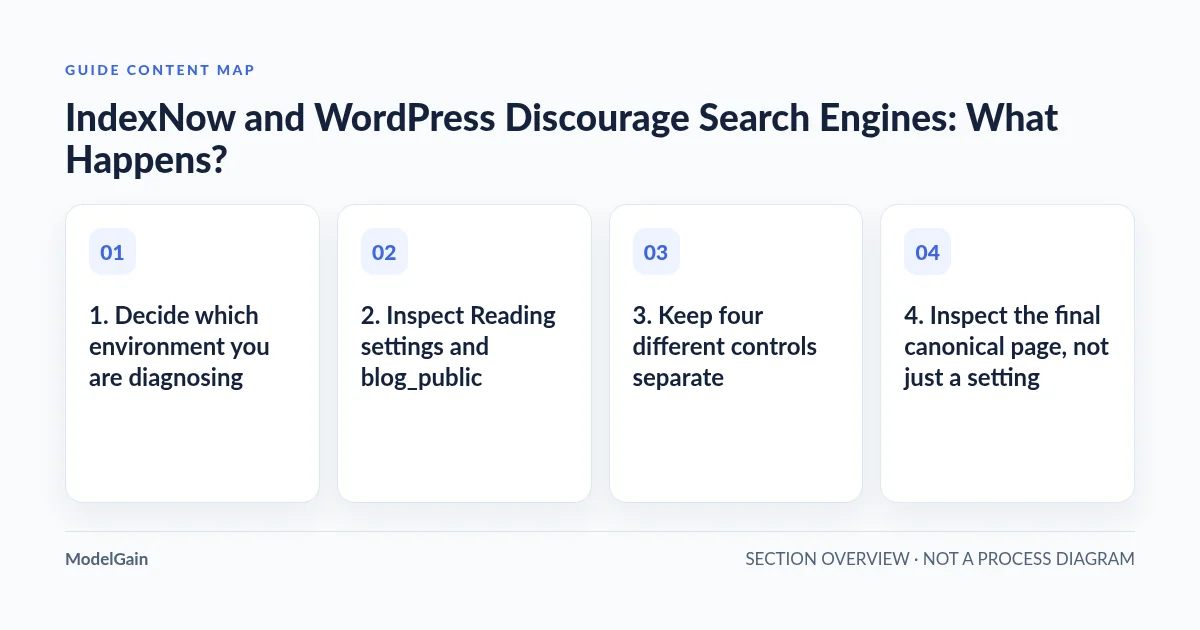
1. Decide which environment you are diagnosing
Confirm the exact host, scheme, and environment before inspecting WordPress settings. A public production site, a staging subdomain, and a password-protected preview can share content while requiring opposite indexing policies. An IndexNow plugin being installed does not establish that its environment should submit public URLs.
For staging, preserve the intended exclusion. If privacy matters, verify real access controls such as authentication or host-level restrictions with the responsible operator; a noindex hint alone does not keep visitors or malicious crawlers out. Do not remove those controls to make an automated test pass.
For a deliberately public production site, an accidentally retained site-wide noindex setting is a plausible issue to investigate. Record the intended policy and current evidence before proposing changes. This guide’s checks are read-only; changing visibility, SEO rules, or a firewall requires a separate reviewed action.
2. Inspect Reading settings and blog_public
In the correct WordPress dashboard, open Settings > Reading > Search engine visibility. Note whether “Discourage search engines from indexing this site” is checked, without changing it. The WordPress Reading settings documentation explicitly says this asks search engines not to index and does not block access.
The underlying option is blog_public. On a standard installation, 0 corresponds to discouraging indexing and 1 to the public posture. With existing authorized SSH and WP-CLI, run the following only from the intended site’s WordPress directory:
wp option get blog_publicThis reads an option, not the final public response. WordPress bootstrap executes installed code; use the dashboard or controlled staging if bootstrap itself is risky. In multisite, ensure the selected site context is correct. Do not substitute an option-update command into a diagnostic procedure.
The core wp_robots_no_robots() reference shows how WordPress can add noindex and choose follow or nofollow based on public status. Themes, SEO plugins, server headers, and caches can alter what a crawler actually receives. An unchecked box is therefore not proof that a specific page is indexable.
3. Keep four different controls separate
| Control or event | What it tells you | What it does not establish |
|---|---|---|
| IndexNow acceptance | A URL notification was received; some responses indicate validation remains pending | Permission to crawl, index inclusion, or ranking |
| Meta robots or X-Robots-Tag noindex | An instruction not to index the response | A barrier preventing access to private content |
| robots.txt Disallow | A crawl restriction for matching compliant user agents | A universal access block or guaranteed removal from results |
| Authentication, WAF, or access restriction | A request may be denied or challenged | The same thing as WordPress’s Reading option |
Do not use robots.txt to hide a noindex response and assume the combination guarantees removal. If a compliant crawler cannot fetch the page, it may not see its noindex instruction. Equally, do not open private content so a crawler can read a tag. Privacy and public indexing remediation require different plans.
4. Inspect the final canonical page, not just a setting
Choose one representative public article or product URL, not a preview, login screen, search result, or tracking URL. In a logged-out browser, inspect its redirects, final address, page source, robots meta tags, and canonical link. Also inspect response headers for X-Robots-Tag; that directive will not appear in the HTML source.
If curl is already available, these bounded GET requests can inspect a public page without submitting it to IndexNow. Replace the example with a URL you are authorized to diagnose:
curl --max-time 20 --max-redirs 5 -sS -L -D - -o /dev/null 'https://example.com/public-page/'
curl --max-time 20 --max-redirs 5 -sS -L 'https://example.com/public-page/'
The first prints headers for the redirect chain; identify which headers belong to the final response. The second prints the body. Read the head section for robots and canonical markup. These commands do not establish how a search-engine crawler is treated, and returned markup can be large. Avoid private or signed URLs, do not paste cookies into commands, and never disable TLS verification for this public check.
A canonical pointing to another host or path changes which URL you should investigate. A cached noindex response can also differ from today’s dashboard setting. Compare the exact canonical URL without cache-busting parameters; any later cache refresh should be scoped and authorized, not a site-wide purge by habit.
5. Interpret IndexNow results independently
The IndexNow protocol documentation says HTTP 200 only indicates receipt of submitted URLs. HTTP 202 means receipt with key validation pending. Neither is evidence that WordPress’s noindex instruction has been removed.
The IndexNow FAQ explains the protocol’s role in notifying participating search engines about added, updated, or deleted URLs. Do not presume Google support or guaranteed inclusion. A plugin’s “success” label may describe notification delivery rather than any search result.
If the final page is intentionally public and crawlable with no unintended noindex, continue with IndexNow accepted but Bing has not indexed the page. That broader investigation covers the remaining gap between receipt and search-engine decisions; repeatedly notifying the same unchanged URL is not a substitute for evidence.
6. Route other failures without changing site visibility
A rejected notification or inaccessible key is a separate problem. Use the IndexNow 403 guide when the evidence points to rejection, and the key-file 404 guide when the configured ownership URL cannot be retrieved. Neither error justifies unchecking a staging site’s indexing restriction.
IndexNow Health Check provides read-only checks, not automatic SEO repair, firewall changes, or guaranteed indexing. Evaluate its findings alongside the real response and intended environment policy, not as permission to change production configuration.
7. Verify an approved correction at the public response
If the owner authorizes correcting an accidental production restriction, the responsible operator should change only the verified source of that restriction. Afterwards, inspect the same final URL logged out: status, redirects, robots meta, X-Robots-Tag, canonical, and access behavior. Confirm staging remains excluded and protected.
Preserve a timestamped sanitized before-and-after record. Search-engine tooling can then show whether a later crawl sees the updated state. Removing an unintended noindex does not promise when a crawler returns, whether it indexes the page, or how it ranks. Distinguish “public response corrected” from “search inclusion confirmed.”
Frequently asked questions
Does checking Discourage search engines stop IndexNow submissions?
Do not assume that. Submission behavior depends on the installed integration. Inspect its documented environment policy and sanitized notification history without sending test submissions from private staging.
Can a discouraged site still be visited?
Yes. The setting is a crawler-facing request, not authentication. Use proper access controls for content that must remain private.
Why is noindex present when the box is unchecked?
A page-specific SEO rule, theme, server header, or cached response may supply it. Inspect the actual final response and identify its owner before changing anything.