WORDPRESS
WooCommerce Shows One Past-Due Action: Is It Actually a Problem?
One past-due WooCommerce scheduled action may be normal. Check the hook, age, queue progress and business impact before retrying or deleting tasks.
One past-due scheduled action in WooCommerce is not automatically a broken store. It means an action is still pending after its scheduled time; it does not prove the callback failed, that WP-Cron has stopped or that a payment or order was missed. Judge the warning by the action’s hook, age, recent completion history and the business effect—not by the number one.
The official Action Scheduler FAQ explicitly notes that some past-due actions are normal with WP-Cron. It treats several actions more than a day overdue as a reason for deeper investigation, not as a universal single-action alarm threshold. Business-critical jobs can warrant immediate attention even with one pending action.
One past-due action: decide whether to investigate
Applies when: A WooCommerce Scheduled Actions screen shows exactly one overdue pending action.
Quick answer
Identify the action's hook, owner, age and business consequence; compare recent completions before deciding whether there is a real queue problem.
What to do
-
Capture scheduled time with timezone, action ID, hook, group and status. Keep arguments and any customer references private.
-
Compare relevant completions and failures across two suitable observations. A single overdue count or a shrinking pending count is not proof of success.
-
Running, deleting or canceling actions can duplicate customer emails, payment, inventory or fulfillment effects.
What describes the one overdue action?
All paths are listed below. Select a symptom to focus on the most relevant path.
Observe, then stop if resolved
Record a second status and the relevant business result after a suitable interval. An occasional short delay can be normal; do not delete work to improve the dashboard.
Investigate the named callback
Identify its owning plugin and private action logs. Check expected schedule and dependency before making a reversible, version-specific change.
Check actual trigger and queue evidence
Compare recent completions, WP-Cron or approved server cron execution, loopback status and error timestamps. Enabled settings alone do not prove execution.
Reconcile business state before any rerun
Examine the authorized gateway and WooCommerce records and escalate according to deadline. A callback can have side effects even if its action later appears failed.
Did this help?
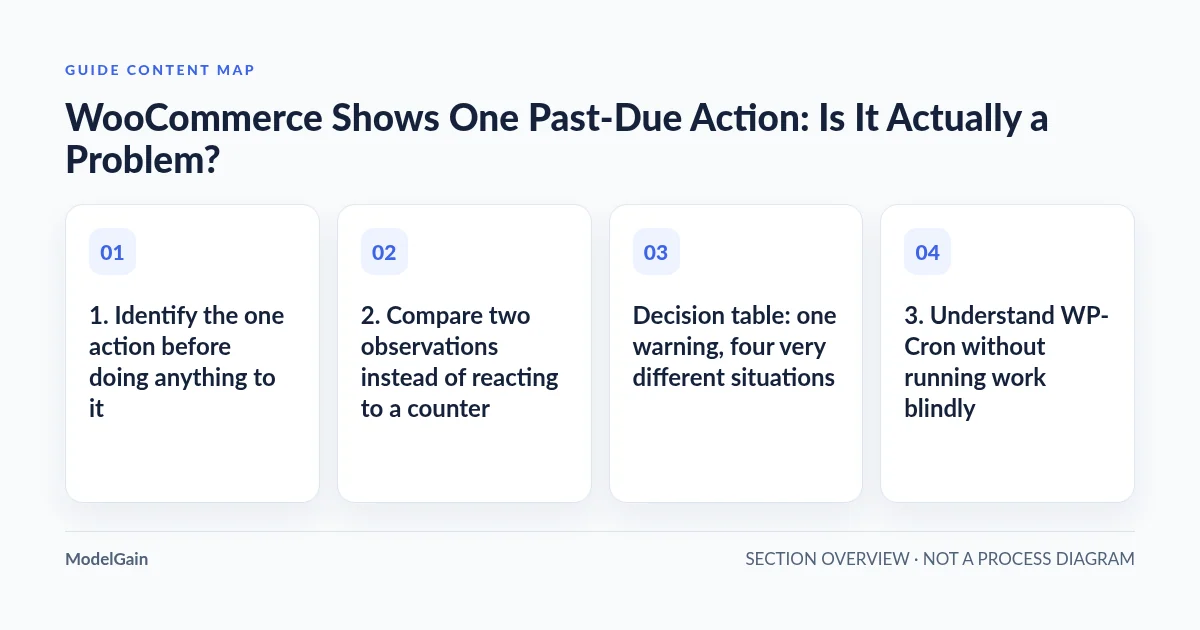
1. Identify the one action before doing anything to it
Go to WooCommerce → Status → Scheduled Actions and filter to pending actions. The WooCommerce Scheduled Actions guide documents status filters, searches by hook/group/date and log entries. Find the overdue action and note its scheduled time and timezone, hook, group, status and action ID. Record its log timestamps privately if any exist.
Check whether the action is two minutes overdue or several days overdue. Then identify which plugin registered the hook and what it is expected to do. A cache-maintenance task, an analytics import, a subscription renewal and a payment webhook have different consequences. An unfamiliar hook name is a question to research, not permission to delete the row.
Preserve arguments privately: action payloads may contain customer IDs, order references or integration secrets. Do not paste raw action arguments, unredacted screenshots or private logs into a public support post.
2. Compare two observations instead of reacting to a counter
Take a first snapshot of the pending action, recent completed actions and any newly failed actions. Observe again after a period appropriate for the hook’s normal duration and urgency. Ten minutes can be a useful illustrative interval for a noncritical short task; it is not a guarantee or a deadline. A subscription payment due now should be escalated according to its business impact rather than waiting for a timer.
If the action completes and the expected business result is correct, the one-time delay may not need repair. If the same action remains past-due while other hooks continue completing, investigate that hook’s scheduling or callback. If unrelated queued work also stops making progress, inspect the runner and cron triggering. A lower pending count alone does not prove success: actions can fail or be canceled.
Decision table: one warning, four very different situations
| Observation | Working interpretation | Next read-only check |
|---|---|---|
| Just past due; normal completions continue | Possible expected scheduling delay | Recheck the named action after a suitable interval |
| Still overdue; other actions complete | Hook-specific issue is more plausible | Identify the owning extension and inspect its action logs |
| Overdue and no recent queue completions | Runner, cron or site-level issue may exist | Check cron configuration, Site Health and server logs |
| A renewal, payment, order or fulfillment task is overdue | Business impact may be immediate despite count of one | Reconcile provider and order records before any replay |
3. Understand WP-Cron without running work blindly
WordPress’ default WP-Cron scheduling commonly relies on site requests to initiate due work. Low traffic, loopback restrictions, authorization blocks or a disabled trigger without a working server cron replacement can delay processing. Action Scheduler can also start work through other documented triggers; an enabled WP-Cron configuration alone therefore does not certify real queue throughput.
Read Tools → Site Health → Status for loopback or scheduled-event findings, then correlate them with actual cron or hosting logs. On a managed host, ask whether a real server cron is configured and executing. On a VPS, inspect the intended schedule and execution outcome rather than changing cron configuration just because one action is late. The WooCommerce Subscriptions scheduling guide explains why timely cron execution matters for renewal jobs.
Clicking Run or executing a WP-CLI queue runner is a write operation, not a harmless status check. A callback may send mail, charge a subscription, change inventory or invoke fulfillment. If it partially succeeded before a timeout, forcing a retry can duplicate external effects. Do not bulk-run pending tasks, delete scheduler records, or increase concurrency to clear a single dashboard counter.
4. Separate a past-due action from a failed action
A past-due item is generally a pending action whose scheduled date has passed; a failed item has entered a different state with error or timeout evidence. The correct investigation differs. For one past-due item, establish why it has not started or completed. For one failed item, preserve the specific attempt log and inspect its owning callback. Historical failed actions may remain visible long after the underlying incident is fixed.
If you cannot identify the hook owner, review the installed extension’s documentation or source and request help with a sanitized action ID, scheduled time, exact hook and relevant non-sensitive logs. A queue-health scanner can summarize action-state distribution, but it cannot certify a payment or safely decide whether a callback may be re-executed.
5. Define what would count as resolved
Confirm a new completion for the relevant action or documented owner-approved recovery, check that similar work continues processing, and verify the corresponding business outcome. For a payment or order task, compare WooCommerce records with the authorized provider’s state before attempting any new execution. For a recurring job, observe at least the next legitimate occurrence to assess whether the trigger problem persists.
If no current business failure exists and the one late task completes normally, record the delay and stop. If the oldest pending task grows older, related tasks accumulate or the same critical hook repeatedly misses deadlines, use the runner-versus-cron investigation and the failed-actions guide where appropriate. The general overdue-actions troubleshooting guide provides broader context.
ModelGain Queue Health is a read-only tool for observing Action Scheduler status and age patterns. It cannot repair a callback, process renewals or determine whether a payment may safely be retried. The safest next step is the smallest observation that distinguishes a harmless delay from a specific missed business operation.