WORDPRESS
Bricks Query Loop Shows No Posts: Fix Query Context and Empty Results
Bricks Query Loop shows no posts? Diagnose post filters, archive query merge, dynamic fields, public visibility, and missing No Results fallbacks.
Bricks Query Loop shows no posts? First determine whether the query returned zero items or whether the results were found but not rendered. Open the affected page or template in Bricks, select the element with Use query loop enabled, and inspect Query → Type, Post type, query filters, and No Results. Then compare the builder preview with the same page as a logged-out visitor. This distinction prevents unnecessary PHP, permalink, and caching changes.
Fast check: on staging, duplicate the affected loop, select Posts, use the standard Posts post type, remove optional taxonomy/meta/include/exclude restrictions, and request three recently published posts. Put a simple Post Title dynamic tag inside the repeated item. If it works, restore the original query restrictions one at a time. If it does not, check template conditions, the selected query source, and frontend rendering before writing code. Preserve the original loop for rollback.
Need help with a custom Bricks query or an unstable live template? Explore ModelGain WordPress Development for scoped query and template troubleshooting. This is a service, not a plugin that automatically fixes Query Loops.
Find why your Bricks loop is empty
Applies when: A Bricks Builder Query Loop shows no posts, no cards, or a missing empty-state message.
Quick answer
Test a simple published Posts loop in staging and compare the builder with the public page. Separate a genuinely empty result set from hidden elements, inherited archive queries and third-party wrappers.
What to do
-
Compare the builder preview, signed-in frontend and public frontend. Record the Query Loop type and template context.
-
On a duplicate staging element, select Posts, remove optional filters, display three recent published posts, and put Post Title inside the repeated card.
-
Reapply filters one at a time. Check archive merge rules, parent conditions, global queries and No Results output before deploying.
What happens with a minimal Posts loop?
All paths are listed below. Select a symptom to focus on the most relevant path.
Narrow the original query restriction
Check post status, post type, taxonomy, meta filters, include/exclude lists, offset and preview/current-post source. Reapply one condition at a time on staging.
Compare public rendering and visibility
Inspect template assignments, parent/child element conditions, user context and whether the selected post is published. Do not weaken privacy rules to make a draft visible.
Inspect main query and merge behavior
The main archive/search listing should use main-query behavior; unrelated sidebar or footer loops usually need Disable Query Merge. Check Global Query reuse before modifying shared settings.
Move dynamic fields into the repeated item
Check that Post Title and Post URL tags are children of the loop item and use the proper query object. Nested loops do not automatically expose parent result fields.
Check the container and third-party wrapper
Test No Results on a plain Bricks Container; then inspect hidden parent elements or slider behavior. A third-party integration can suppress the entire empty state.
Did this help?
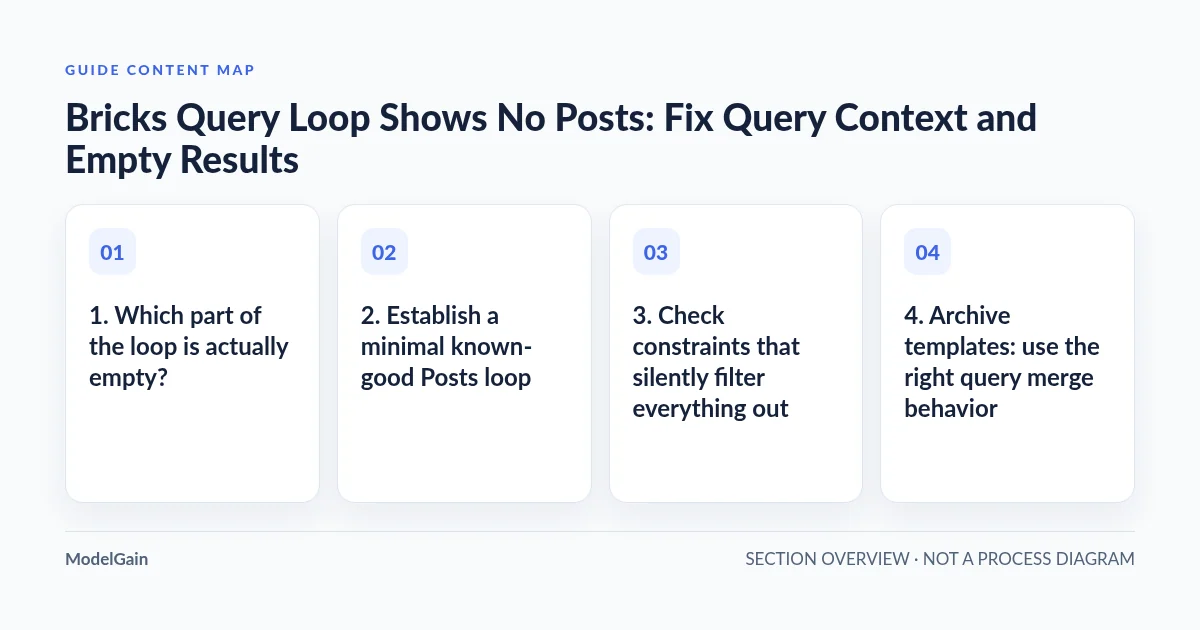
1. Which part of the loop is actually empty?
The official Bricks Query Loop documentation explains that a loop repeats a layout element for each result. It supports different query sources, including Posts, Terms, Users, API and Array. The distinction matters: a Posts loop expects posts or custom post types; a Terms loop expects taxonomy terms; an API or Array loop has its own response shape and controls. A wrong query type can produce an empty loop even though the target content exists somewhere in WordPress.
| What you observe | Most useful first check | What not to assume |
|---|---|---|
| “No Results” text appears on the frontend | Post type, status, taxonomy/meta restrictions, offset, contextual source | A server or CSS failure |
| The builder shows items but the published page is blank | Public post status, template assignment, element conditions and logged-out view | The builder preview matches a visitor’s context |
| The right records are found but cards have wrong or blank fields | Dynamic data tags and whether they are nested inside the repeated item | Zero query results |
| An archive shows the wrong items or an unrelated loop is empty | Main query and Disable Query Merge settings | That every loop should merge with an archive query |
| No Results fallback also disappears | Parent element visibility, nested slider/plugin behavior and render conditions | That the query itself is broken |
2. Establish a minimal known-good Posts loop
Use a staging copy or a temporary duplicate of the affected Bricks element rather than overwriting a working archive template. Confirm that the loop toggle is on for the repeated card/container, not just the surrounding grid. For a basic WordPress blog listing, set the query type to Posts, select post type Posts, request a small number of items, and leave optional taxonomy/meta conditions empty. Inside that repeating element, add a heading with the Post Title dynamic field.
Check that WordPress actually contains at least one published post of that type. Drafts, private items and scheduled posts may not be returned to an unauthenticated visitor under the same rules as a logged-in builder session. The official Bricks getting-started tutorial demonstrates the simple Posts Query Loop and card structure. Once it displays, reintroduce one filter at a time and record which filter removes the expected result.
For a custom post type, verify that the actual registered post type is selected, the target items exist in that type, and you are not confusing terms or custom content types with WordPress posts. For a taxonomy query, use Terms rather than assuming post query controls apply. If an ACF Repeater, JetEngine, API or Array query is involved, its provider and data source must be validated separately; Bricks does not treat all query types as interchangeable.
3. Check constraints that silently filter everything out
Review the real query settings before touching code. A taxonomy filter may require the selected term, an include list may contain the wrong post IDs, an exclude list may remove every candidate, or a meta query may demand a key/value that no published post has. The combination of filters can be more restrictive than each filter looks in isolation. Inspect how the configured AND/OR relations combine filters rather than assuming “any selected filter” means OR.
Also inspect Posts Per Page, Offset, parent/child rules and any current-post relationship option. An offset larger than the eligible result set, or a “related posts” filter tested on an unrelated preview post, can intentionally produce zero matches. A Loop in a single-post template uses the current post context; one in a category archive can inherit archive parameters. Set a representative preview context before deciding whether the query is defective.
Do not treat the No Results field as a way to repair a restrictive query. It is a reader-facing fallback to explain an empty dataset. Put the reasoned filter changes into the actual query, then configure No Results to say something useful such as “No articles match these filters.” Bricks supports No Results text and, where available, a fallback template. A missing fallback can have its own presentation cause.
4. Archive templates: use the right query merge behavior
On search and archive pages, the main WordPress query has context such as the requested term or search phrase. According to the Bricks Query Loop troubleshooting guidance, the intended main archive/search listing should use Is main query (Archive, Search) and should not disable query merge. By contrast, unrelated sidebar, header, footer or “latest posts” loops generally should use Disable Query Merge so they do not unintentionally inherit the archive criteria.
Do not enable Disable Query Merge on every loop by default. If the page’s central archive listing must respect the visitor’s category or search phrase, breaking that merge can return the wrong posts. If a separate recommended-posts widget appears empty only on some archives, inspect whether it accidentally inherited a restrictive archive filter. Treat these as opposite cases, not a single universal checkbox fix.
If the query is a Global Query, inspect the shared definition and which pages reference it. Bricks’ Global Queries and Query Manager guide warns that a missing local post type, term, user role, meta key, API response or signed query editor code can leave the output empty. Do not modify a shared Global Query just to fix one page without checking the other references; make a local copy when only one page should differ.
5. Builder preview is not the logged-out frontend
Compare at least three states: the Bricks builder preview using the correct preview object, the published URL while signed in, and the public URL in a private browser session. Record which one fails. A draft may appear to an editor but not to visitors. A template’s placement conditions, a parent element’s display conditions, or access restrictions can also hide a loop on the frontend even when the query has matching records.
The official Element Conditions documentation notes that elements can remain visible while editing even if their conditions would hide them on the frontend. Conditions inside a loop may hide individual result cards; conditions on an ancestor can hide the whole section. Inspect the element tree as well as the data query. Do not disable access checks or show private posts publicly to make a card appear. If the cards exist in the editor but the actual server response omits useful content, compare the evidence with our server-rendered WordPress HTML diagnostic guide before assuming a crawler-specific fault.
When an item exists but its text looks empty or displays the page title repeatedly, inspect the placement of dynamic tags. Place the Post Title/Post URL fields within the repeated item rather than outside it. For nested loops, Bricks resolves the inner loop’s current object independently; a parent value may not be available to an inner output tag. See the nested-loop notes before assuming a failed posts query.
6. If No Results fallback disappears too, inspect wrappers and integrations
An empty loop and an invisible empty-state message are separate problems. Bricks’ No Results control can show fallback content when a query returns no matches, but a hidden parent element or third-party widget can suppress that content. In an April 2026 Bricks community thread, a user ultimately traced missing empty-state output to a Pro Slider integration hiding its entire container when there were no results. This is one reported third-party interaction, not proof of a general Bricks defect.
Temporarily test the same query on a plain Bricks Container in staging. If the normal Container shows an empty-state message but a slider or custom element does not, inspect that integration’s settings and versions. Avoid replacing the entire layout with custom PHP before comparing the two contexts.
If your issue is that AJAX filters, Load More or pagination stop working after the initial render, do not treat that as an initial empty-query problem. Bricks documents that its loop boundary HTML comments must survive performance optimization for AJAX behavior. Check the Query Filters documentation and confirm that a filter targets the correct Query ID; API and Array query types do not support the same filter behavior as Posts, Terms and Users. Do not broadly disable optimization or delete cache folders without identifying an actual interference.
7. Verify the repair without destabilizing the site
Record the original Bricks element or template revision and capture a known example post ID that should match the intended query. Make one narrow change on staging, reload as a visitor, and confirm that the expected number and type of cards appear in both the initial HTML and the visible interface. Confirm that empty categories still show the intended fallback. Check a second archive/context to ensure the fix did not accidentally overwrite a shared or main query.
If the problem persists, collect the Bricks version, WordPress version, query type, element/query ID, post type, relevant nonsecret filters, page type (single/archive/search), builder-versus-public difference, and the result of the minimal Posts-loop test. With developer assistance, inspect the documented bricks/posts/query_vars or bricks/query/run hooks only when custom query logic is actually present. The Bricks Academy query/run filter reference warns that the hook’s intended purpose depends on the query type; ad hoc global filters can break other loops.
Completion standard: the selected dataset is correct, the loop emits the intended public cards, the empty state is understandable, other archive contexts remain correct, and mobile rendering is not clipped. For a broader Bricks template audit or a custom query repair, see ModelGain WordPress Development. We do not offer a released one-click “Bricks Query Loop Repair” plugin; the proper fix depends on the selected query and render context.