WORDPRESS
Action Scheduler Support Report: Share Logs Without Order Data
Build an Action Scheduler support report with useful queue evidence, sanitized logs and a line-by-line check for sensitive store data.
A useful Action Scheduler support report explains one observed problem without exporting the store’s order data. Start with the affected hook, group, status, observation time and a small sanitized log excerpt. Review every shared line: neither a copied WooCommerce status report nor an action log is automatically safe to publish.
This is a read-only handoff workflow. Do not run, retry, cancel or delete actions to create evidence. Scheduled work can send customer messages or perform payment-related operations. Preserve the original records privately and redact only a separate support copy.
Choose a minimal Action Scheduler support handoff
Applies when: Preparing a read-only queue support report without exposing customer, order or payment information.
Quick answer
Keep originals private and prepare a separate redacted copy. Record the symptom, exact non-sensitive hook and group, scoped status counts, one pseudonymous action and its sanitized attempt timeline with timezones.
What to do
-
Use status filters and log views only. Do not run, retry, cancel or delete live jobs to prepare the report.
-
Inspect report lines, log excerpts and flattened screenshots for personal data, identifiers, credentials, cookies, paths and secrets in query strings.
-
Use verified private support, minimum necessary permissions and an access-removal plan. Keep original logs and the action-ID mapping in restricted storage.
Which condition should determine the next handoff? Treat possible secret exposure first.
All paths are listed below. Select a symptom to focus on the most relevant path.
Contain the disclosure before sending more
Restrict or remove the shared copy and notify the authorized owner. If credentials or session material were exposed, arrange appropriate revocation. Preserve restricted originals, prepare a new redacted copy and review attachments separately; do not destroy production logs.
Send the maintainer one sanitized action timeline
Include the exact non-sensitive hook, group, status, observation time, relevant versions and a stable Action A reference. Preserve scheduled and attempt times with timezones. Keep the real action-ID mapping private unless trusted support needs it; do not send order arguments or replay the job.
Send hosting the bounded environment evidence
Provide the web PHP handler, loaded versions where known, observed cron arrangement and correlated FPM or web error times. Label unknowns and distinguish a configured cron schedule from evidence of execution. Do not force a queue run to test it.
Establish whether a current problem exists
Report the filtered count and scheduled-date range with observation time. State whether new relevant completions or a real symptom were observed. Historical failures alone do not establish a current outage; preserve evidence without clearing or retrying old jobs.
Did this help?
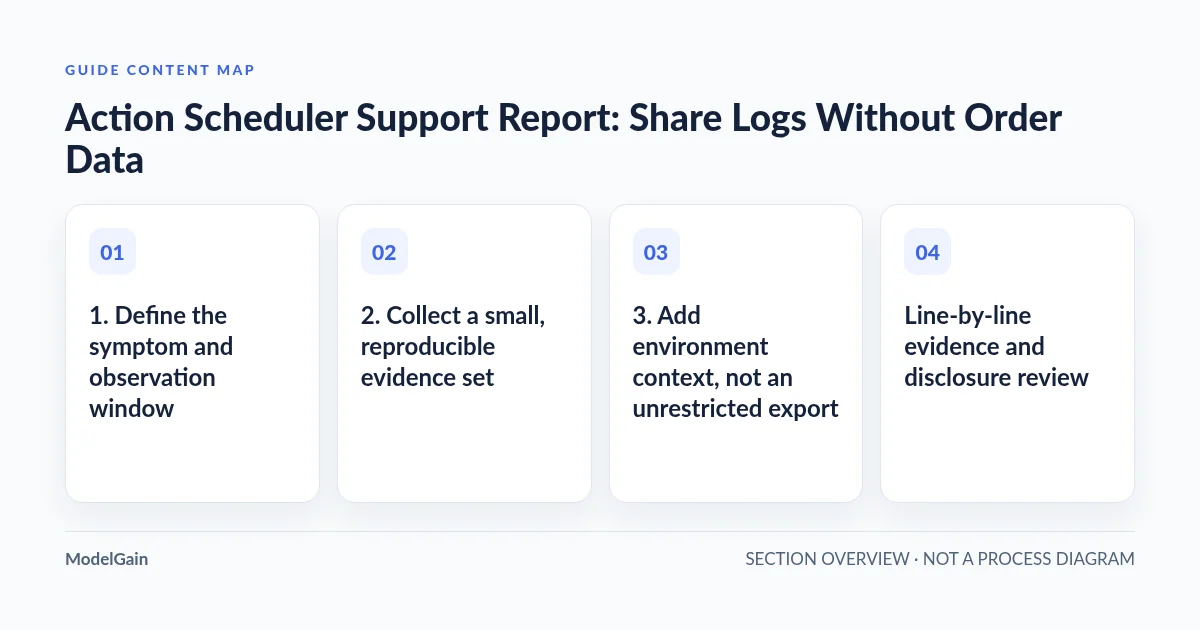
1. Define the symptom and observation window
Write what is wrong in ordinary language before pasting technical output. State which function is delayed or failing, when it was first noticed and whether the problem is still occurring. Distinguish an observed customer impact from an assumption based on a dashboard count. “Historical failed actions exist” does not establish a current queue outage.
Record the observation timestamp and timezone. Use the same timezone throughout the report, or retain each original timezone and show the conversion explicitly. Separate an action’s scheduled time from its attempt time and from the time you opened the screen. Relative labels such as “two hours ago” become ambiguous once the ticket crosses timezones.
Open the documented WooCommerce → Status → Scheduled Actions screen. Where WooCommerce is absent, the library may expose its administration screen under Tools. Use filters and log views only; leave execution and bulk-action controls untouched.
2. Collect a small, reproducible evidence set
Copy the exact hook and group, plus the action’s current status. Record status counts with their scope: all actions, one hook or one group. Include the filter used and observation time so another person does not compare a filtered failed count with a whole-store pending count. Preserve exact counts rather than replacing them with “many.”
Select one affected action and give it a stable pseudonym such as “Action A” in the shared report. Keep the mapping to the real action ID privately. Action IDs identify scheduler records, not orders, but an externally shared ID can still aid unwanted correlation. Never substitute an order ID for the action ID. If trusted support genuinely needs the real scheduler ID, disclose it privately and label it clearly.
Read the action’s recorded attempts and retain the smallest excerpt that shows the sequence: scheduled time, recorded start, error or completion, and any relevant later attempt. Preserve error type and diagnostic wording while removing argument values and customer references. A missing completion entry does not prove that a remote payment or message never happened.
The Action Scheduler administration guide describes inspecting status and logs. If the action’s owner is unclear, use the hook ownership workflow rather than treating a namespace prefix as verified responsibility.
3. Add environment context, not an unrestricted export
In WooCommerce → Status, use Get System Report to prepare a local review copy. The official System Status Report guide explains its environment sections and Action Scheduler summary. Include the loaded Action Scheduler version, data store where reported, and status counts with their scheduled-date ranges. Do not infer the loaded library version from one plugin’s bundled directory.
Add WordPress, WooCommerce and relevant extension versions, plus recent updates. If an item cannot be determined, write “unknown.” When applicable, Tools → Site Health → Info provides additional environment information, but it is not a substitute for per-action logs or proof of the scheduler’s active library version.
Record the hosting web PHP version and handler, relevant PHP-FPM error times if FPM is used, and the observed cron arrangement. Ask the host for the configured schedule and last recorded invocation or error; do not assume a configured cron job executed successfully. Do not change cron settings or force a queue run as part of report preparation.
Line-by-line evidence and disclosure review
| Report line or attachment | Sensitive-data risk | Treatment in the shared copy |
|---|---|---|
| Site URLs, domains and filesystem paths | Private hosts, usernames, document roots or internal topology | Replace unnecessary host and path segments with consistent labels |
| Active plugins and environment inventory | Operational fingerprint, private extension names or license details | Keep relevant names and versions for trusted support; omit unrelated inventory |
| Log directory and file references | Account paths, internal identifiers or accessible log locations | Preserve the error category; redact the unnecessary path |
| API keys, tokens and authorization values | Reusable access credentials, including secrets in URL query strings | Remove the entire value; arrange revocation if already disclosed |
| Session identifiers and cookies | Account or session access | Exclude headers and session values completely |
| Email, name, address and customer or order IDs | Personal information and linkable transaction records | Replace with stable pseudonyms; keep the private mapping separately |
| Action arguments and gateway references | Embedded order information, payment references or provider identifiers | Share field names and sanitized error context, not raw argument dumps |
| Hook, group, status, counts and timestamps | Custom labels can themselves contain identifiers | Keep exact non-sensitive values; label any necessary redaction explicitly |
4. Review logs and screenshots as separate disclosures
Search the prepared copy for credentials, email-like strings, customer references, query strings and repeated identifiers. Then read it manually. Automated search cannot recognize every secret or context-dependent personal detail. Check error messages and stack traces as carefully as the environment summary; an integration may put order arguments into its logs.
Do not attach wp-config.php as environment evidence. The official wp-config.php reference shows why this configuration deserves protection: it contains database connection settings and authentication keys. Report the relevant non-secret setting in words rather than sharing the file.
If a screenshot validates the selected filter or status, crop unrelated rows, then irreversibly redact sensitive pixels in a separate flattened copy. Reopen the exported image and inspect the visible result, filename and any remaining identifying details. A movable annotation over text is not reliable redaction. Keep the original screenshot in restricted storage; do not edit production logs to sanitize them.
5. Route the report to the right person
Use a verified vendor support portal or an approved private hosting ticket, not an unsolicited upload link. Share only the access needed to read the report. Avoid public file links, broad collaborator permissions and administrator credentials in the message. If temporary access is separately necessary, agree its scope and expiration and revoke it after support finishes.
For a single unchanged running job, continue with the one-action investigation. For recorded execution errors, use the failed-actions guide. A host should receive the narrowly relevant runtime and cron evidence, while an extension maintainer needs the affected hook and sanitized attempt sequence.
Ask a focused question: which layer should be investigated next, and what additional minimal evidence would distinguish the remaining possibilities? Do not authorize live retries implicitly by asking support to “clear the queue.” Any business-state change requires separate reconciliation and an understood duplicate-operation risk.
Final handoff checklist
- The report distinguishes current symptoms from historical counts and states the observation window.
- The exact hook, group and status are preserved unless explicitly marked sensitive; Action A maps privately to one real action.
- Versions, timestamps, timezones and filtered counts are labeled consistently.
- Text, screenshots and attachments have each been reviewed, and only redacted copies are shared.
- The recipient and file permissions are verified, with a plan to remove temporary access.
Queue Health provides queue observation, not automatic log redaction or queue repair. Its observations can help frame a report, but do not remove the need to review disclosure risk or verify business effects.
Source evidence reviewed: 2026-10-25. Available status fields vary by installed versions and extensions.